Face shape analyzer
Face shape analyzer
Use the same private browser-based tool, then understand the proportions behind the result and decide what to explore next.
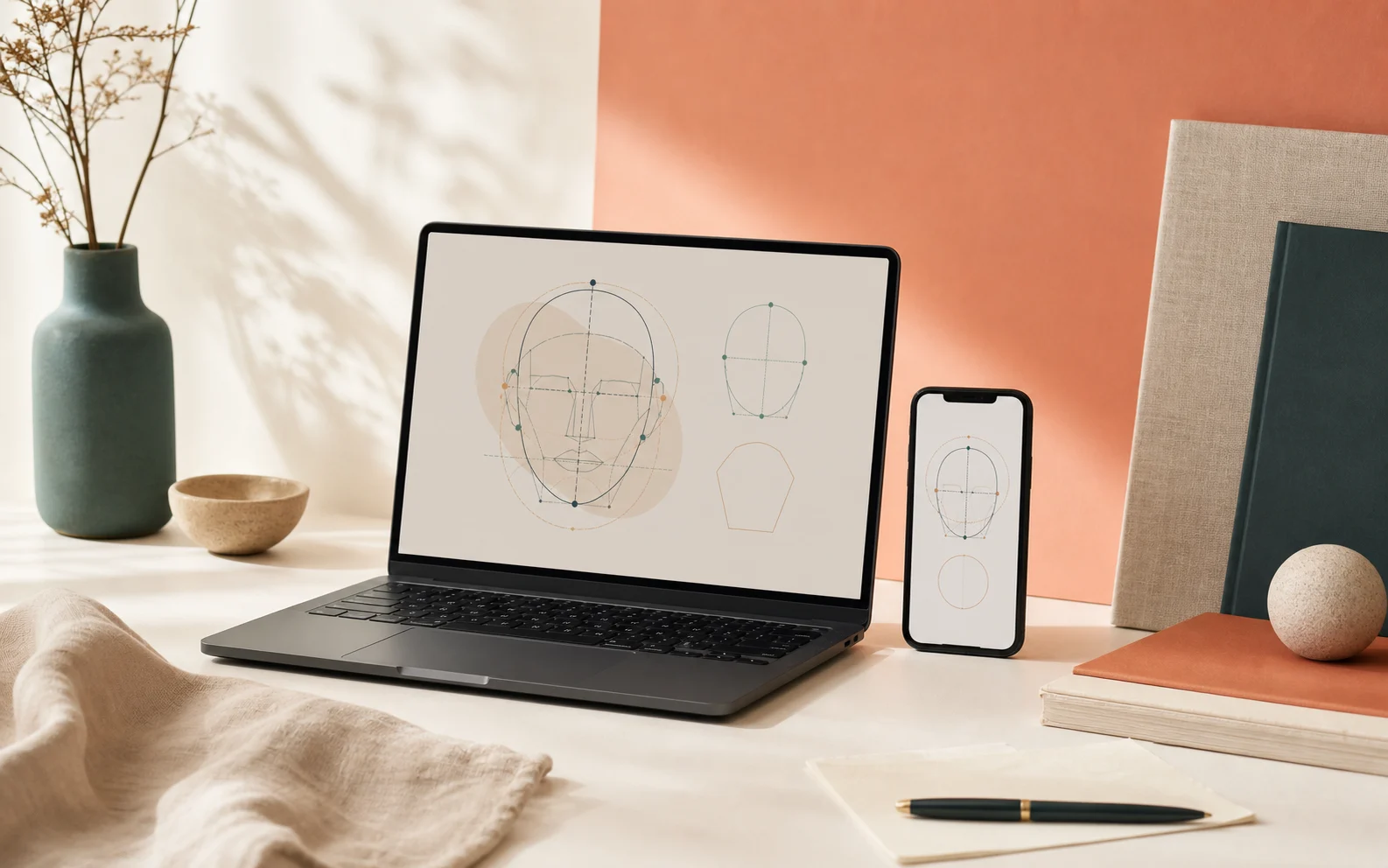
Start with the tool
Analyze a face shape privately, then read the result in context.
This analyzer stays local to your browser. The next step is not only getting a label, but understanding which visible proportions created the result and how to use that information well.
What the analyzer looks at
The tool compares relationships that usually separate one face shape from another. It does not score beauty, age, or identity.
Double-check your face shape result
A close alternative is useful context. Use a second method to understand the boundary instead of chasing one perfect label.
Use the manual calculator
Compare forehead, cheekbone, jaw, and face-length measurements in the browser with no photo upload.
Compare nearby shapes
Read a close comparison page when two familiar outlines still both feel plausible.
Try a second neutral photo
A level chin, visible forehead, and even light make a second reading easier to compare.
Move from analysis to style decisions
The result matters because it changes what you compare next: haircut shape, frame balance, or a close face-shape boundary.
Browse hairstyle ideas
Browse the hairstyle hub, then open the guide that matches your likely result.
Review glasses guidance
Move into frame directions once you know whether you want softness, structure, or scale.
Compare a close face-shape pair
Use a side-by-side guide when a nearby shape keeps appearing in your result.
Questions about your result
Why can two face shapes look plausible at once?
A nearby shape means your visible proportions sit close to a familiar boundary. It is a cue to read both guides and compare the outline more carefully.
What can change the analyzer reading?
Hair placement, expression, camera angle, and strong perspective can all change how the outline reads. A second neutral photo or manual measurement can help you double-check it.
How should I use the analyzer result?
Face shape is a broad styling description. Use it to compare haircut, glasses, or close-shape options, not as a permanent label.